Find Leaks
API to find leaked ABL Objects.
ABL Application Properties are read from openedge.properties file.
Update ABL Application properties - enable dynamic objects tracing
- Navigate to ABL Application in left hand menu tree and click on its menu option.
- Make sure
Agentstab is active. - Click on
Update ABL App propertiesbutton. - Enter properties values needed to enable dynamic objects tracing into agent's log file:
agentLogEntryTypesproperty set toASPlumbing,DB.Connects,DynObjects.*:3agentLoggingLevelproperty set to level3- Prerequisite -
allowRuntimeUpdatesproperty has to be set to 1 prior to applying changes
- Click
Applyin pop-up window to save new properties values. - For updated values to take effect might be required to restart MS-Agent.
Download PASOE agent log file and save it locally
Scan PASOE instance agent log file for memory leaks
- Navigate to ABL Application in left hand menu tree and click on its menu option.
- Click on
Find Leakstab: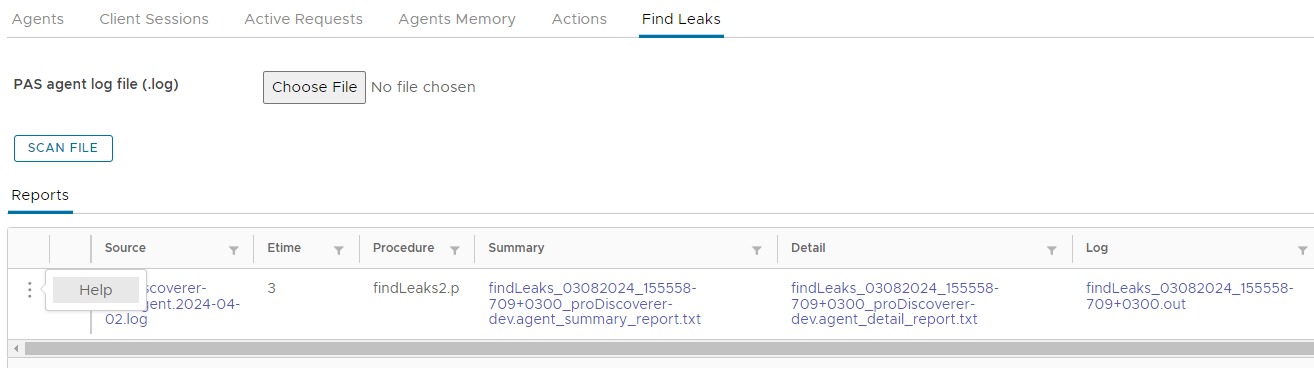
- Click on
Choose filebutton to choose agent log file to scan. - Click on
Scan Filebutton to start file scan for leaked objects.
View leaks scan reports
- From
Reportstab click on active links to view scan results:Summaryreport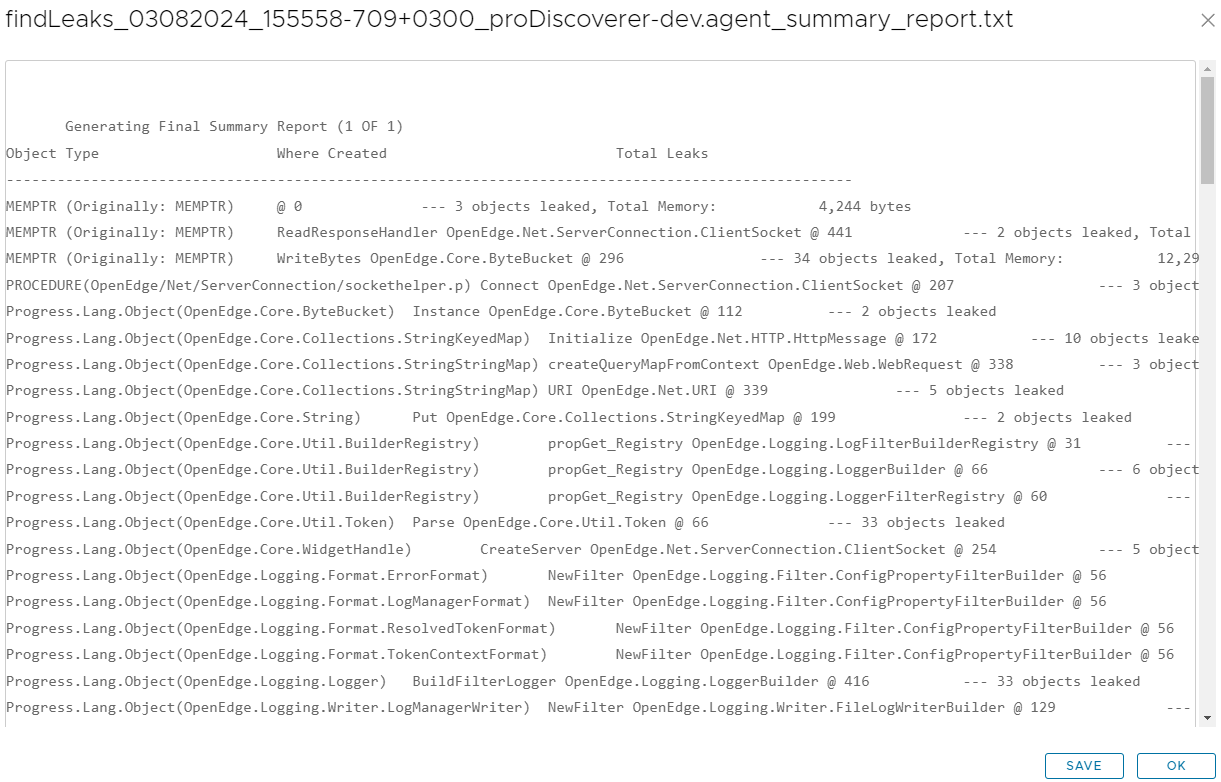
Detailreport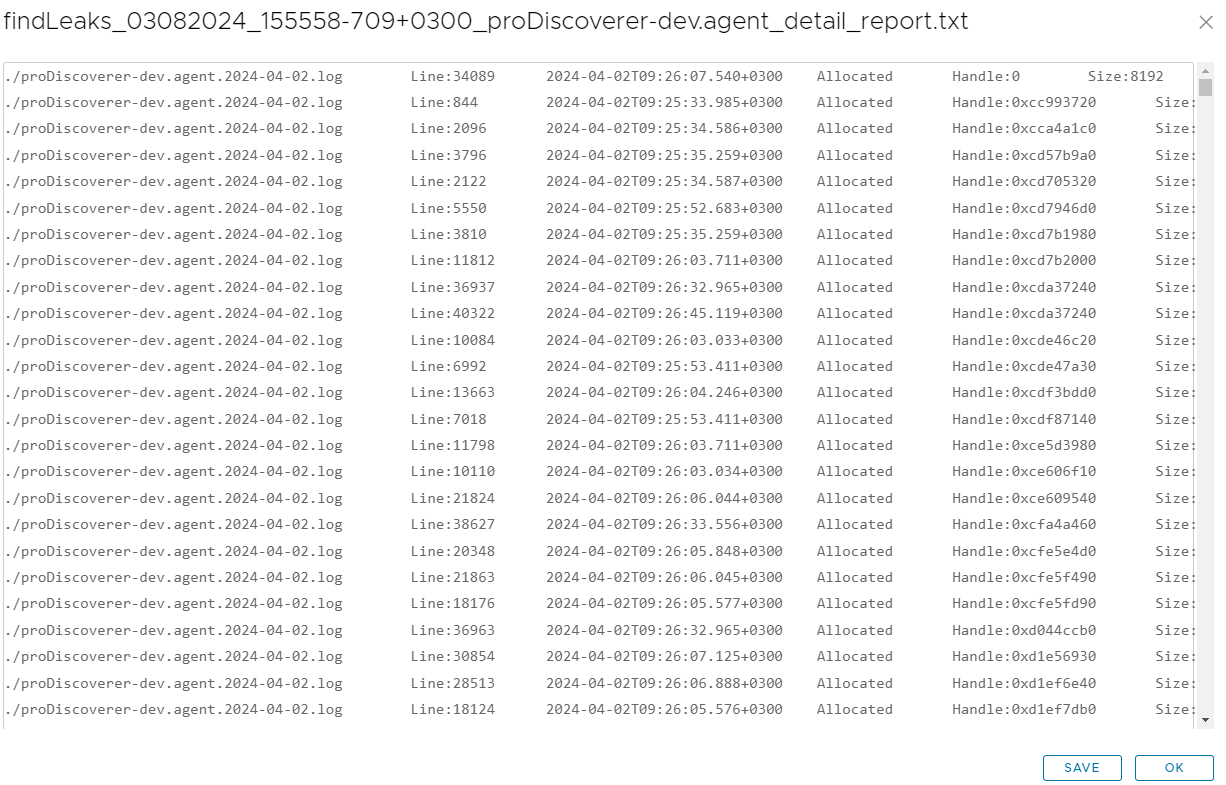
Logfor scan log
- Click on
Savebutton in pop-up window to save selected report file locally.