Enable ABL Objects Tracking
API to turn on tracking of ABL objects - dynamically created objects, instances of ABL classes, memptrs, etc for all ABL sessions.
Enable ABL Objects tracking
- Navigate to ABL Application in left hand menu tree and click on its menu option.
- Select MS-Agent by clicking radio button next to its
agentIdcolumn. - Expand available actions by clicking on three vertical dots icon.
- Click on
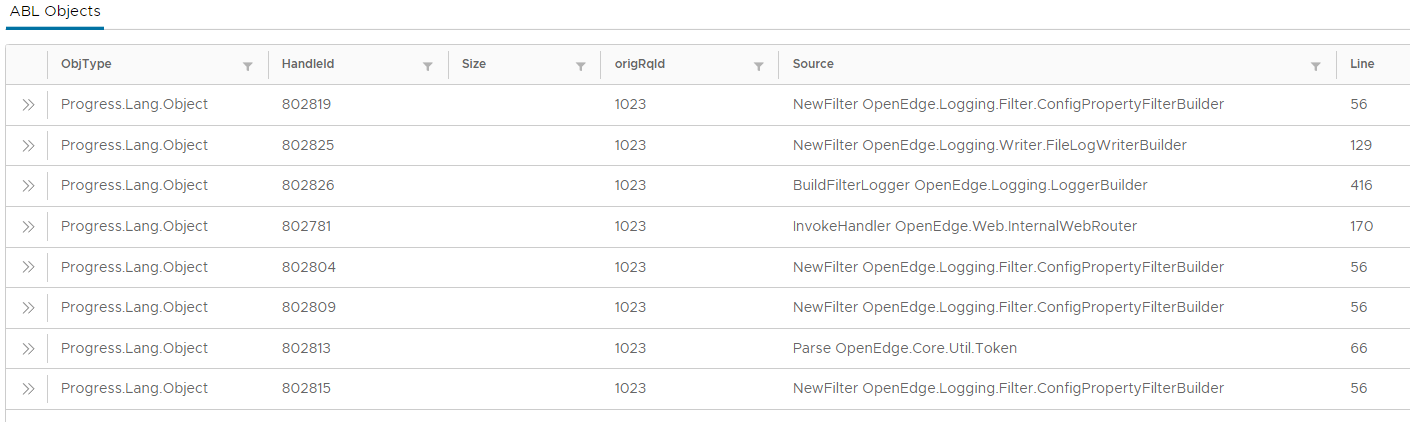
Enable ABL Objects Trackingmenu option. - Once tracking is enabled, ABL objects per session are listed in
ABL Objectsgrid: