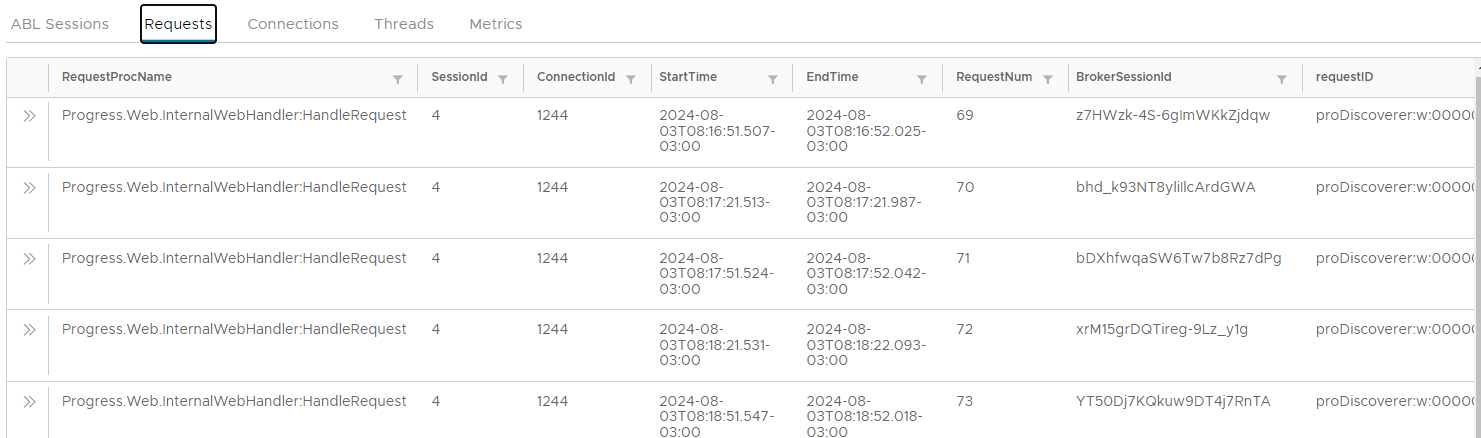
Get Agent Requests
API to get Agent requests.
View Agent Requests
- Navigate to ABL Application in left hand menu tree and click on its menu option.
- Select MS-Agent by clicking radio button next to its
agentIdcolumn. - Click on
Requeststab below theAgentsgrid: