View ProDiscoverer Actions
APIs to show actions taken by ProDiscoverer tools.
View Actions taken by the user in ProDiscoverer Tools
- Click on
Audittop menu option. - Click on
Actionstab: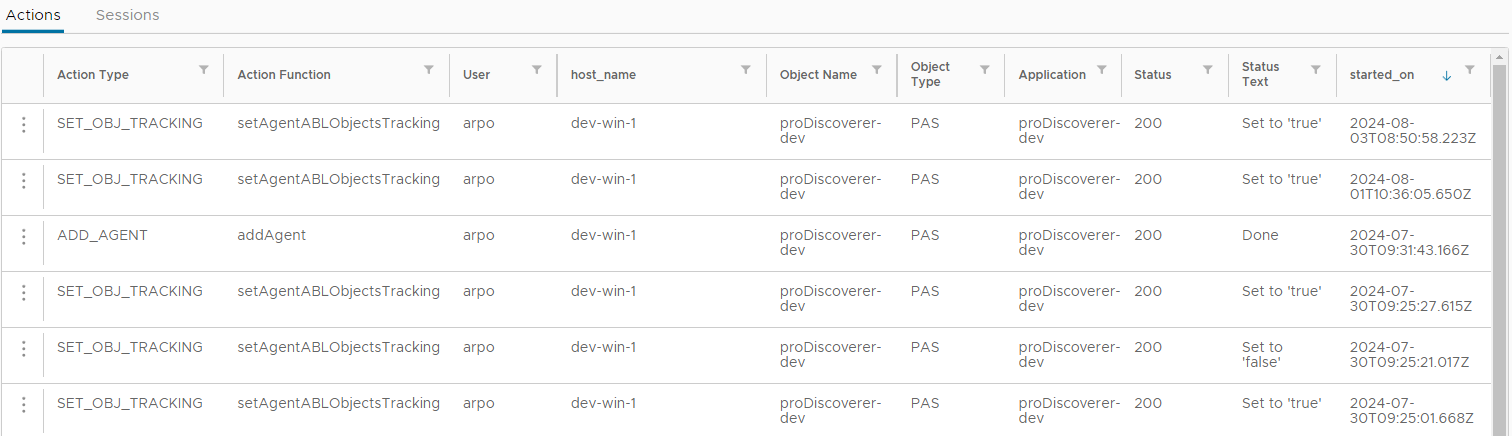
- Expand pop-up menu for each row and click on
View Detailsmenu option to view details of each action: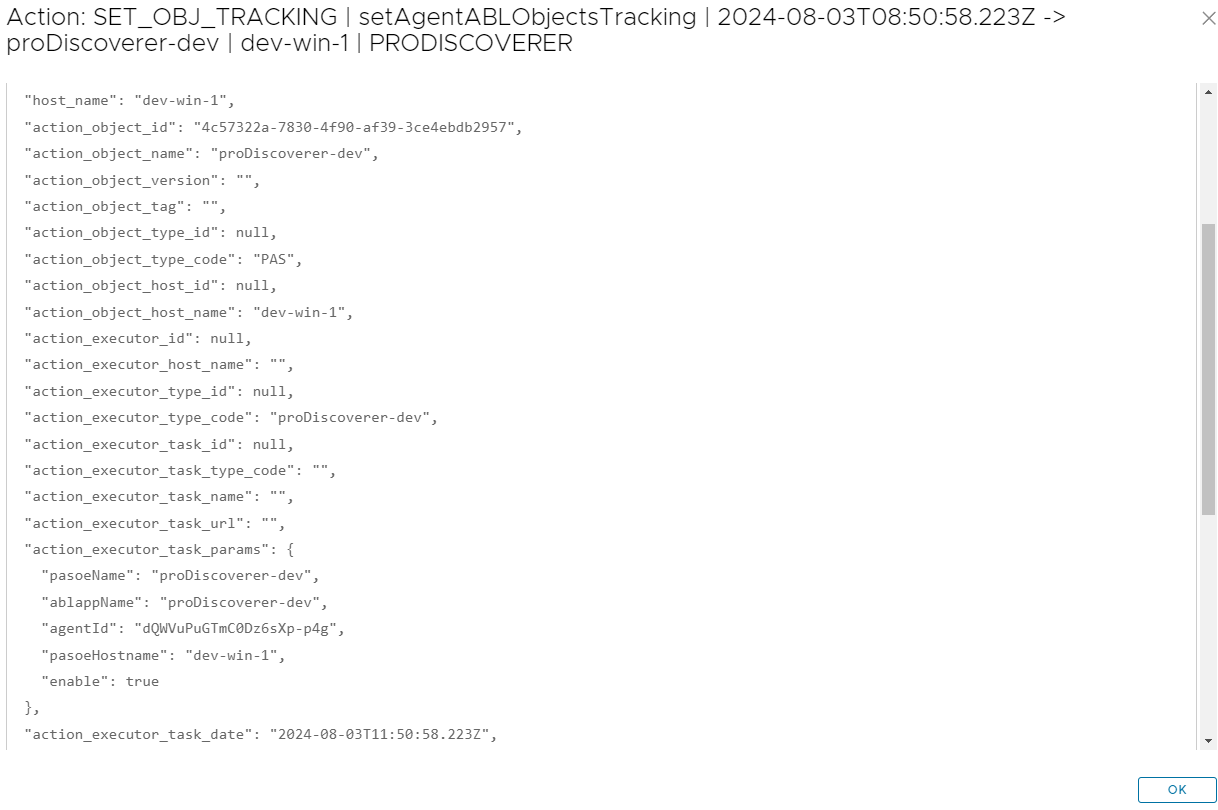
- Expand pop-up menu for each row and click on
View Healthmenu option to jump to instant HealthScanner chart to view health of PASOE where action was taken: