Export Profiler runs data
API to export MS-Agent ABL Performance profiler runs data to files.
Export ABL Profiler test runs data to files
- Navigate to ABL Application in left hand menu tree and click on its menu option.
- Select MS-Agent by clicking radio button next to its
agentIdcolumn. - Click on
Profiler Runstab below theAgentsgrid. - Click on
Refresh Profiler Runsbutton. - Expand available actions menu on Profiler Runs by clicking on three vertical dots icon in the grid.
- Click on
Export all ... runs data to filesoption: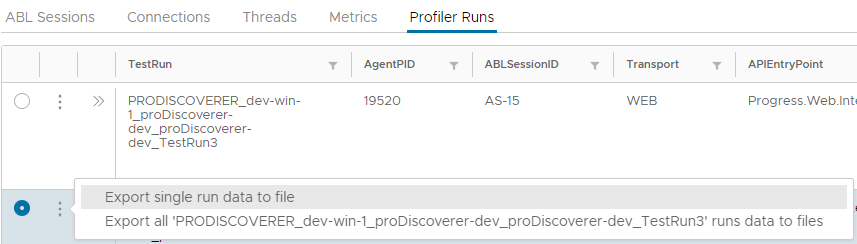
- Links to exported files with
.profextension will appear inFileNamecolumn. - Click on a link to a file to open it in popup window:
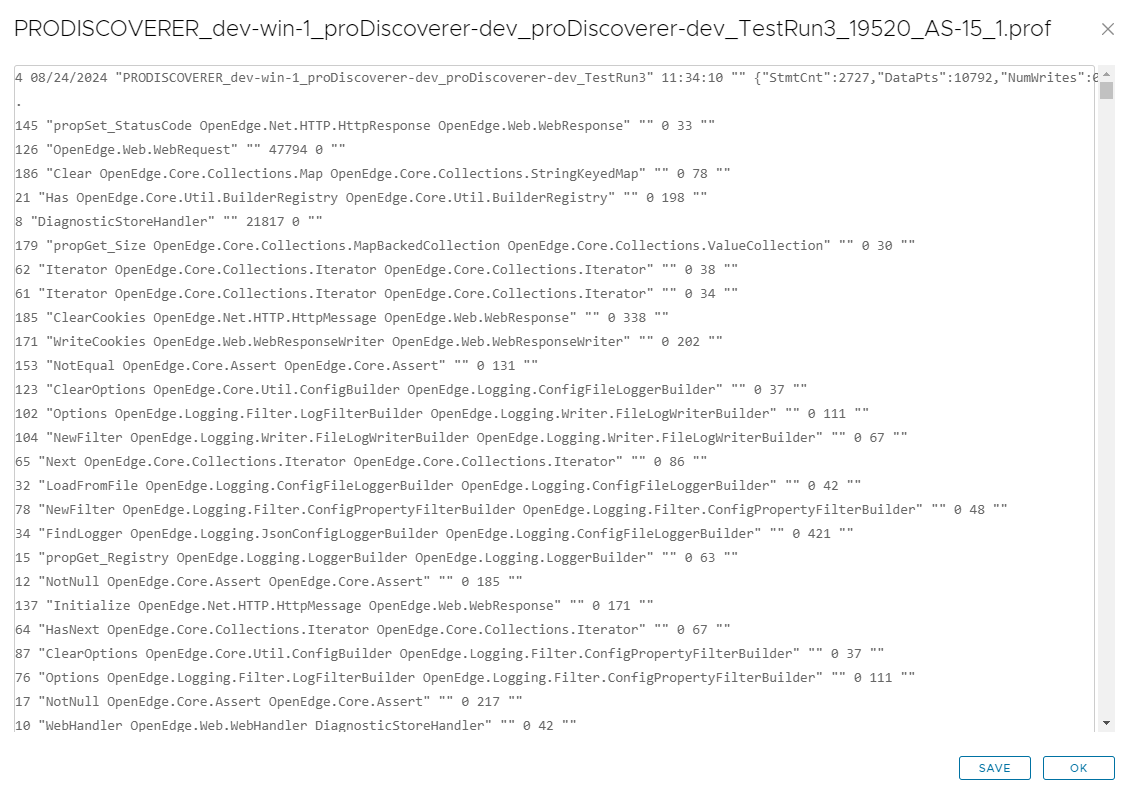
- Click on
Savebutton to save.proffile in a localDownloadsfolder.