Get Agent Sessions
APIs to get Agent ABL sessions details.
View ABL Sessions details
- Navigate to ABL Application in left hand menu tree and click on its menu option.
- Select MS-Agent by clicking radio button next to its
agentIdcolumn. - Click on
ABL Sessionstab below theAgentsgrid. - View ABL Sesions details in a grid:
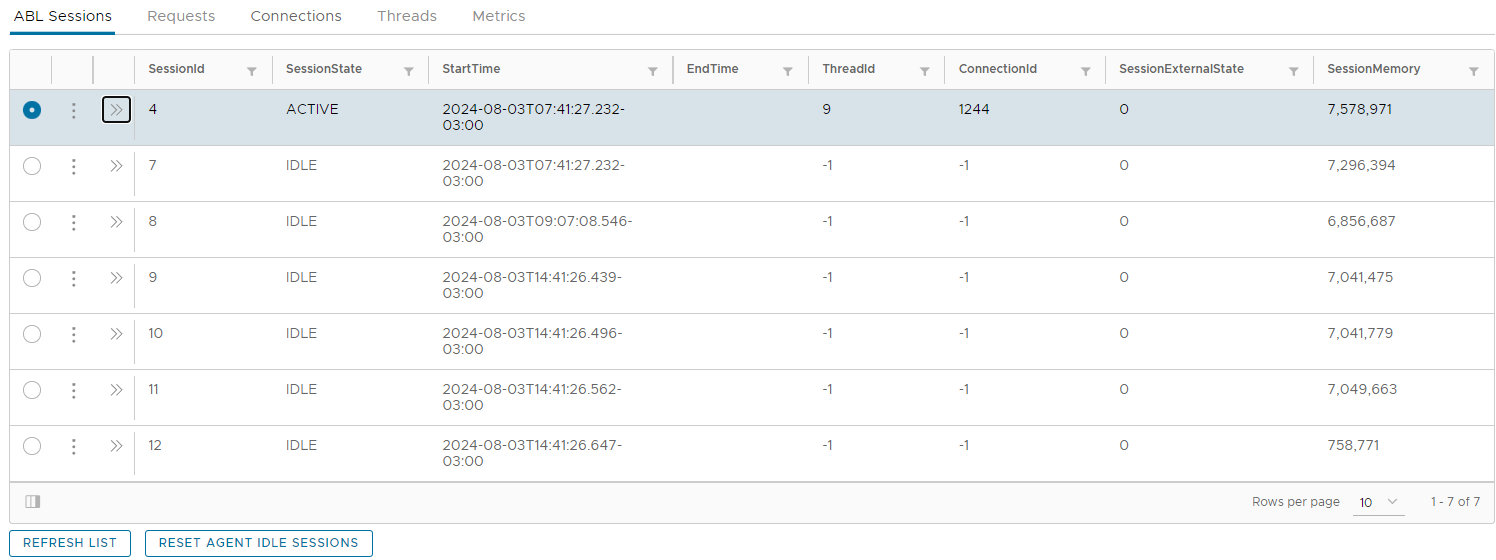
View ABL Objects for a selected ABL Session
- Expand available actions menu on ABL Sessions by clicking on three vertical dots icon in the grid.
- Click on
ABL Objectsoption: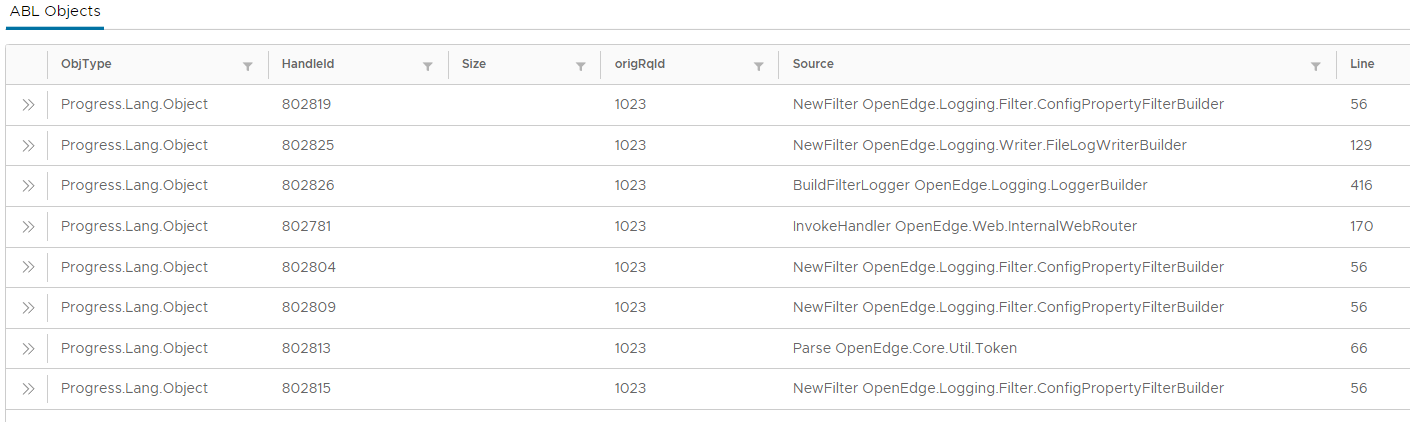
View Stack Trace for a selected ABL Session
- Expand available actions menu on ABL Sessions by clicking on three vertical dots icon in the grid.
- Click on
Stack Traceoption: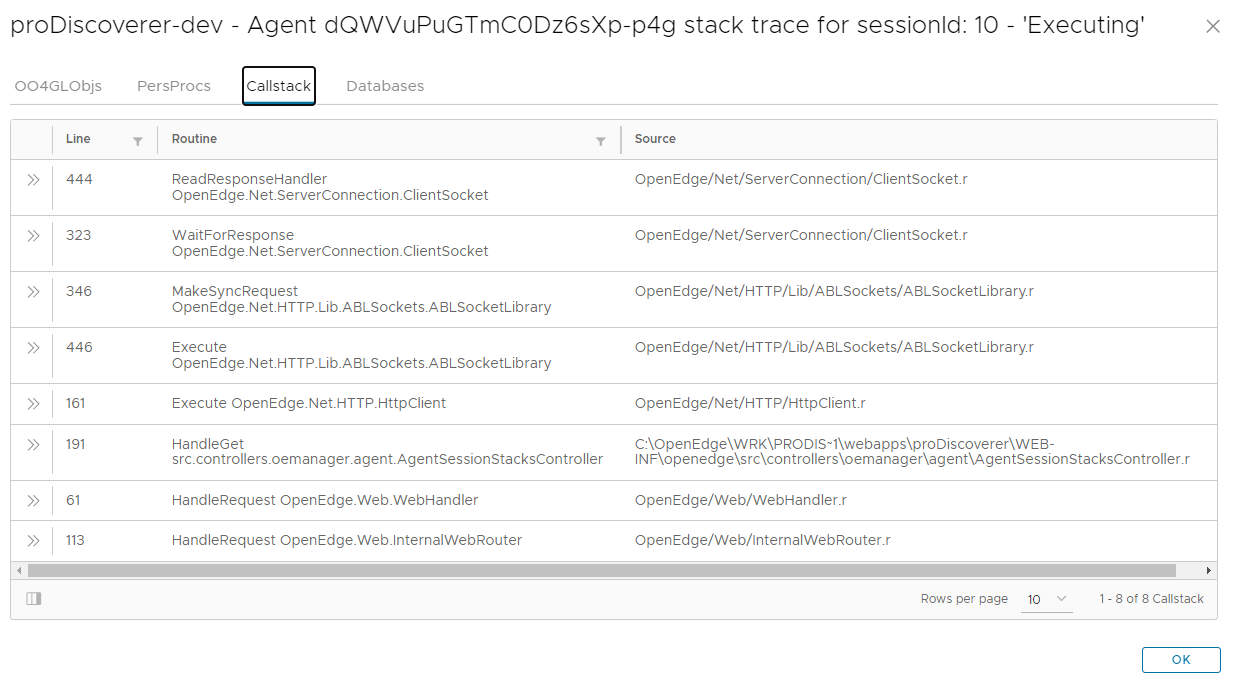
Terminate selected ABL Session
- Expand available actions menu on ABL Sessions by clicking on three vertical dots icon in the grid.
- Click on
Terminate ABL Sessionmenu option. - Click
OKin pop-up window to continue with termination of ABL session.