Get Agents
API to get the agentId's along with their pid's and state for a given ABL Application.
View MS-Agents and ABL Sessions details
- Navigate to ABL Application in left hand menu tree and click on its menu option.
- View ABL Application MS-Agents and ABL Sesions details in a combined grid:
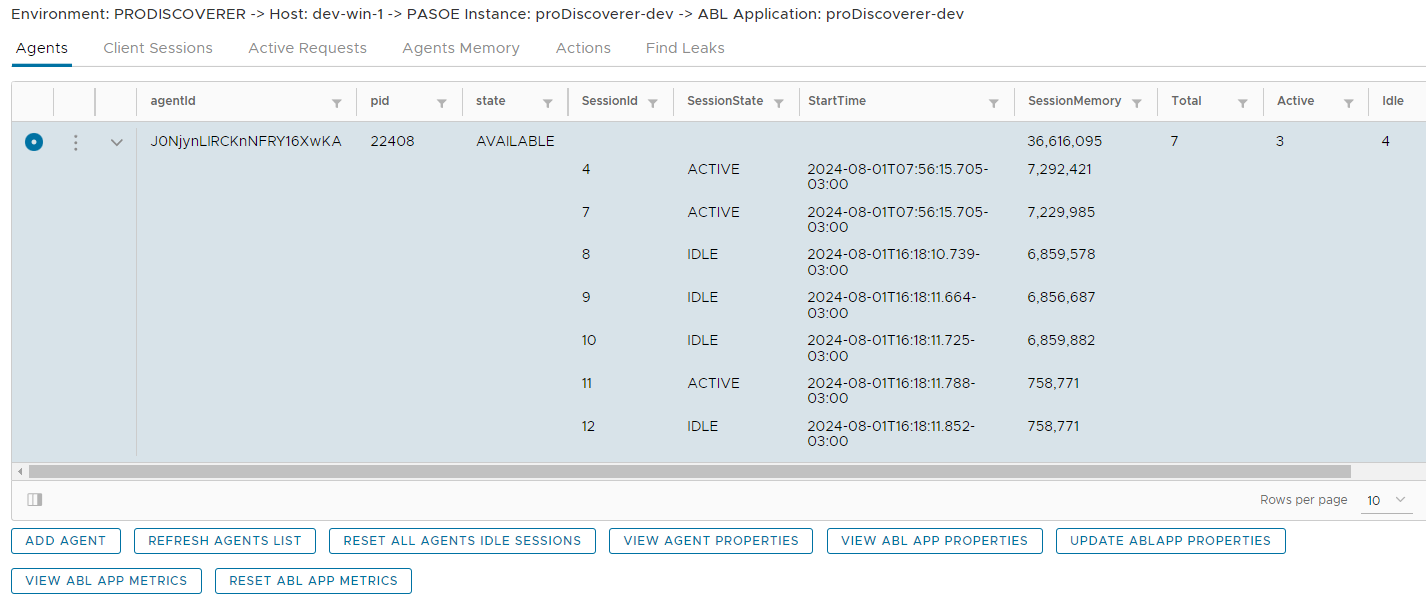
Run available actions from pop-up menu options
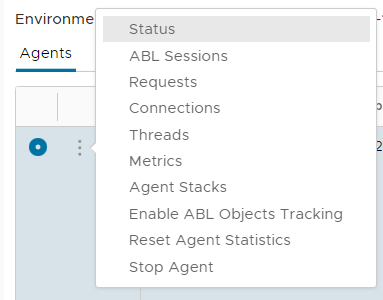
- Expand available actions on MS-Agent by clicking on three vertical dots icon in the grid and select required option:
- View Agent status
- View ABL Sessions for the selected agent
- View Requests
- View Connections
- View Threads
- View Metrics
- Enable or Disable ABL Objedcts Tracking for the agent
- Reset Agent statistics
- Stop Agent
- View Agent Stacks
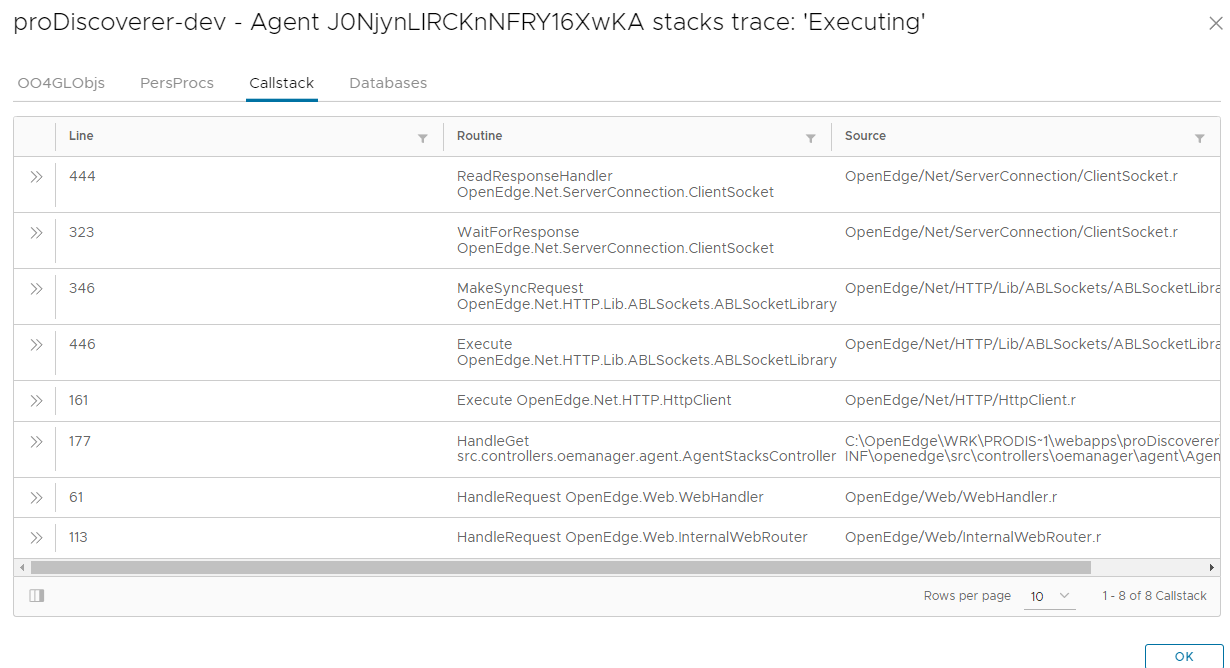
Manage Agents and Sessions:
- Click on buttons below the grid to run actions available:
- Add MS-Agent
- Refresh Agents list
- Reset All Agents idle ABL Sessions
- View Agent properties
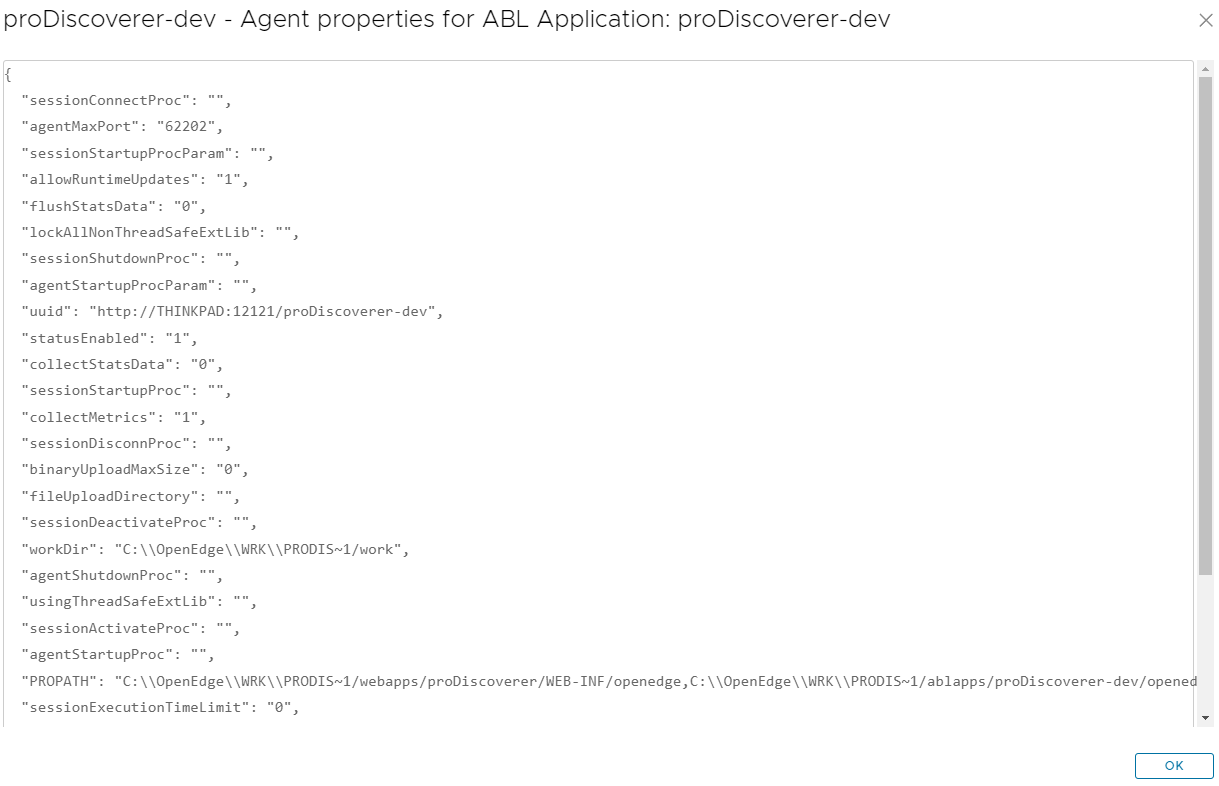
- View ABL Application properties
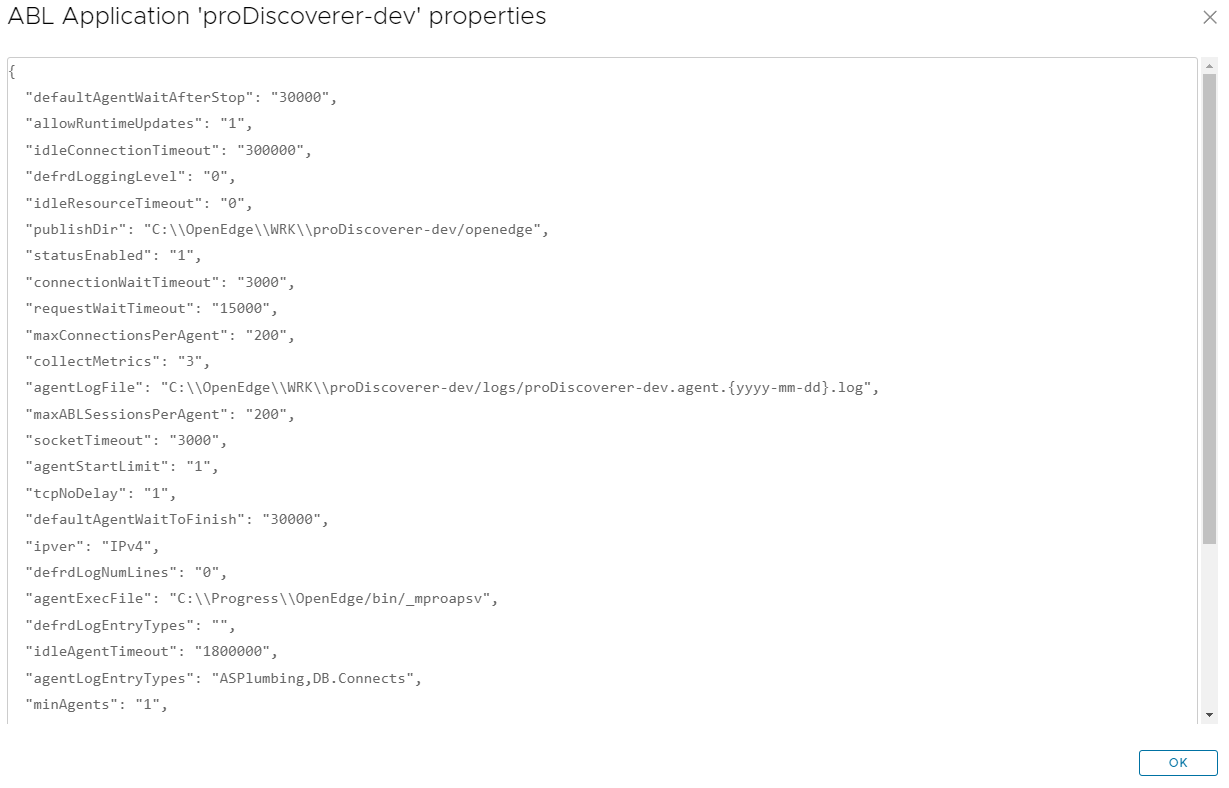
- Update ABL Application properties
- View ABL Application metrics
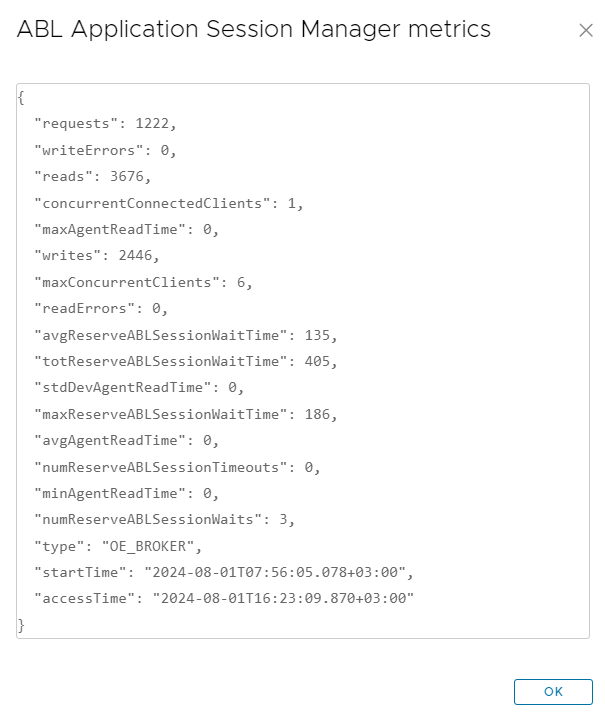
- Reset ABL Application metrics