View Alerts Feeds
APIs to show live feeds of alerts collected by ProDiscoverer tools.
View Live Alerts Feeds
- Click on
Feedstop menu option. - Click on
Alertstab. - Select time from now and a customer to view alerts feeds and click on
Apply Filterbutton: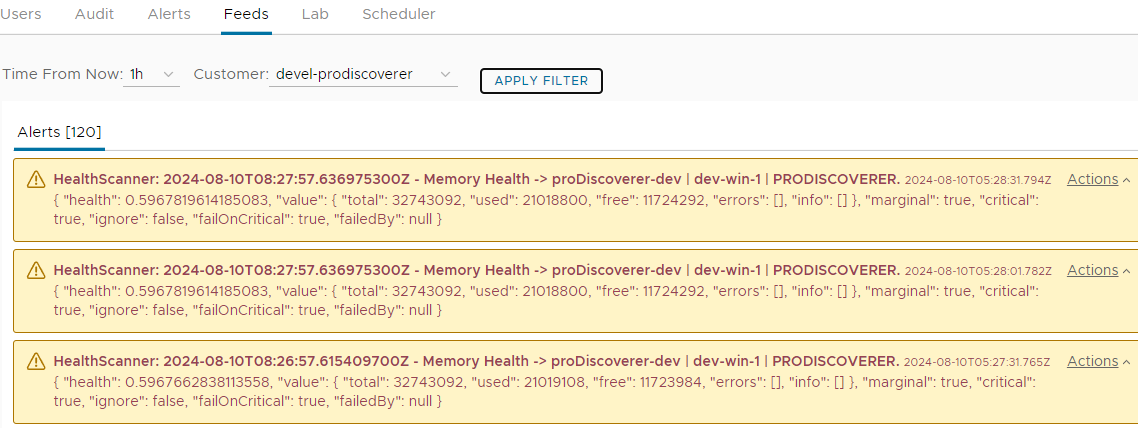
- Expand pop-up menu for each alert feed and click on
View Detailsmenu option to view details of each alert: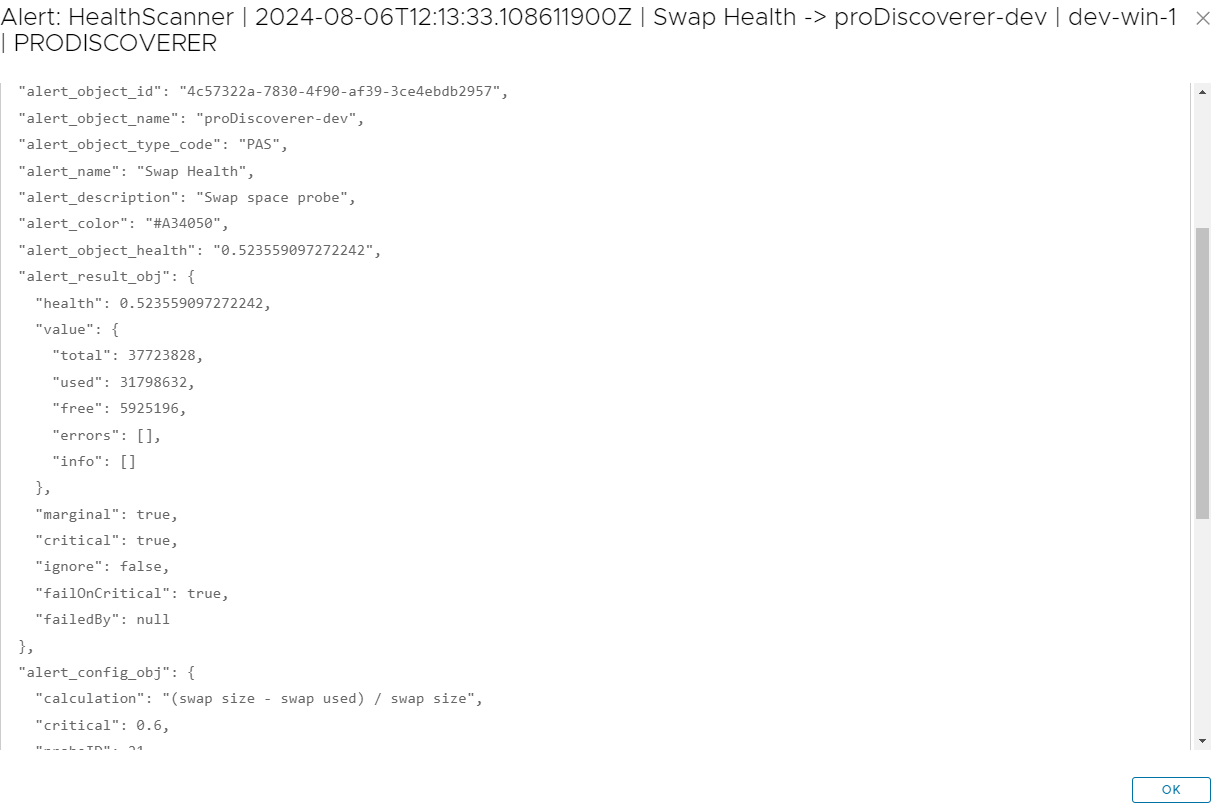
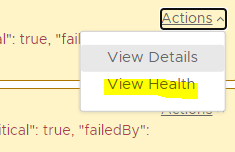
- Expand pop-up menu for each row and click on
View Healthmenu option to jump to instant HealthScanner chart to view alerted PASOE instance health:
Adjust Live Alerts Feed polling interval
- Adjust live alerts feed polling interval in ProDiscoverer configuration.